LMS Must-Have Features for Childcare Centers (Checklist + Examples)
What are “must-have” features in a childcare LMS?
Must-have features are what keep training from collapsing under childcare conditions: turnover, licensing pressure, and the daily reality of coaching while running a building.
Here’s the checklist:
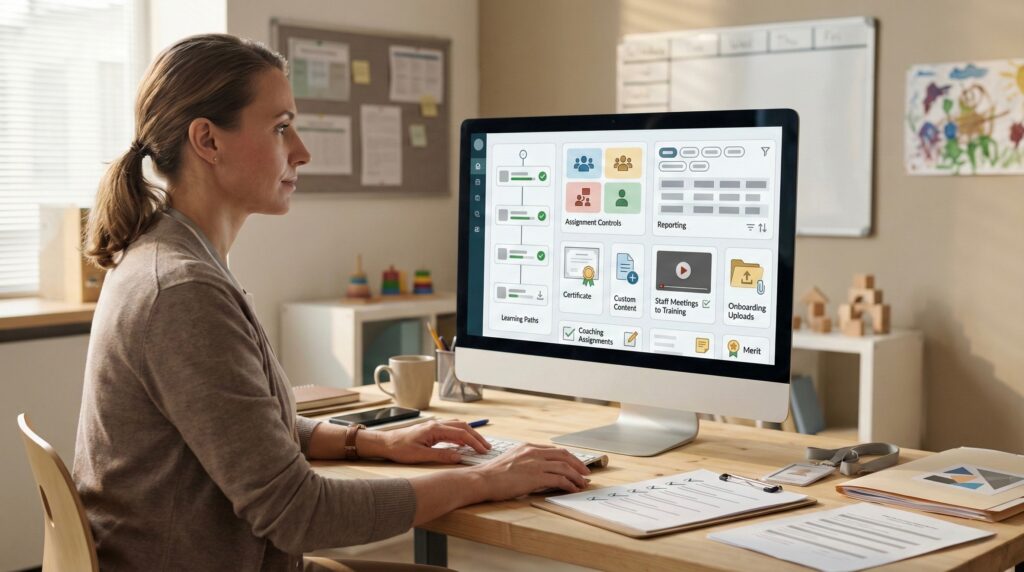
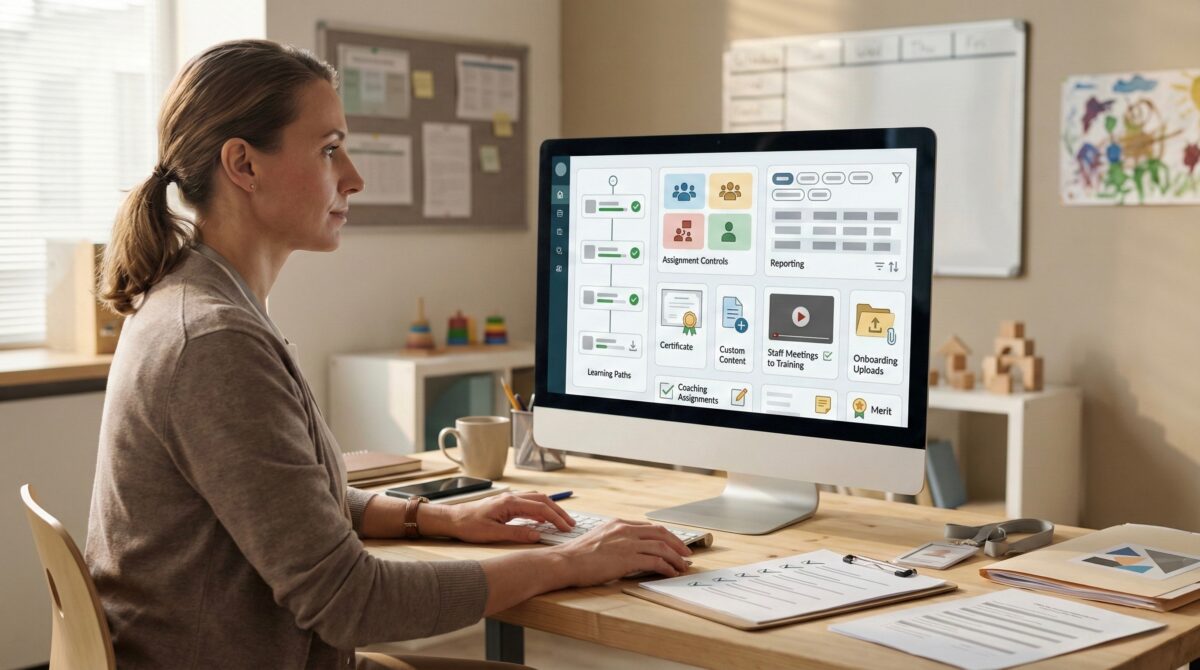
1) Learning paths (the real structure of an LMS)
A strong LMS supports learning paths so development is sequenced and visible. Learning paths keep training from becoming random and help leaders guide growth intentionally.
3) Certificates that are immediate and stored online
Your LMS should generate certificates immediately upon completion so staff can upload them to their state registry without waiting.
Certificates should also be stored online so staff can retrieve them anytime, when registry uploads, licensing checks, or proof requests come up later.
4) Reporting that directors actually us
Reporting should be searchable by:
first and last name
location (for multi-location companies)
course name
start date
completion date
progress status
5) Custom course/content creation for centers
Your LMS should support center-specific training built from:
handbooks and policies
updated procedures
center standards and expectations
onboarding workflows
6) Staff meetings that become training (recorded or interactive)
Record staff meetings and assign them, or turn key points into interactive modules with acknowledgements and short checks.
7) Onboarding with paperwork upload capabilities
Onboarding should support required document uploads and acknowledgements in one centralized place.
8) Learning assignments and coaching support
Support checklists, reflections, acknowledgements, and simple follow-through, not just quizzes.
9) Performance merit system
Support recognition tied to completion and demonstrated improvement.
Feeling overwhelmed running your childcare business? Inspire Care 360 is your supportive community offering business solutions, professional development, health care for employees and expert guidance to help you thrive. Contact us today - you deserve it!
We use cookies to ensure that we give you the best experience on our website. If you continue to use this site we will assume that you are happy with it.OkPrivacy policy